Philips WiZ 10W B22 Smart Bulb Review: Worth Buying in 2026?
Disclosure: As an Amazon Associate, I earn from qualifying purchases.
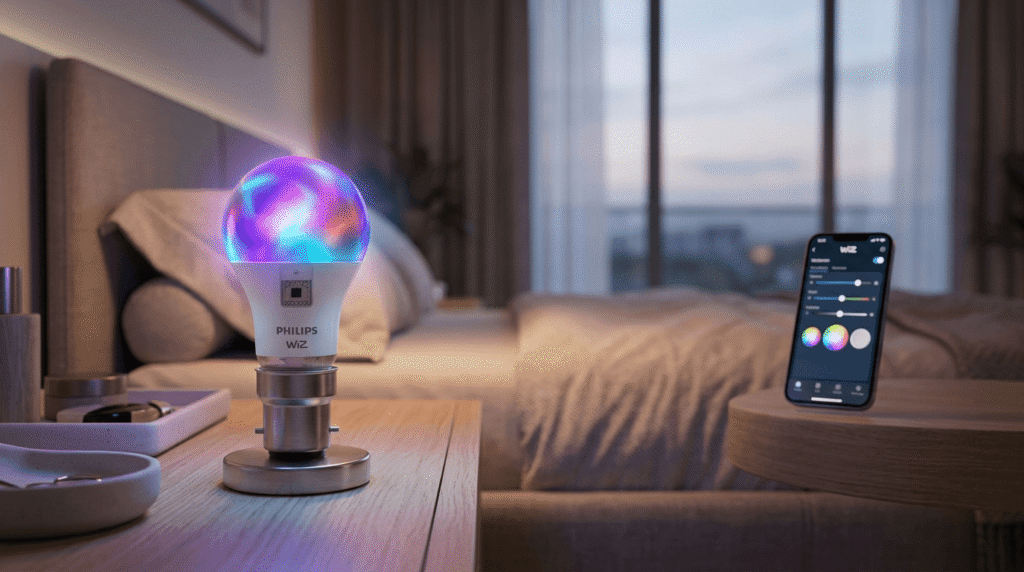
You get into bed, phone in hand, and realize the light switch is on the other side of the room. Or you’re setting up for a small get-together and wish your living room had something warmer than one flat white light. That’s usually the moment people start looking at smart bulbs, and the Philips WiZ 10W B22 shows up a lot in that search because it fits into a standard B22 socket without any rewiring.
This review looks at what the bulb actually does, where it makes sense, and where a regular LED bulb is still the better choice. Specifications are based on the official product listing; where information isn’t specified, that’s noted directly rather than guessed at.
Table of Contents
ToggleWhat the Philips WiZ 10W B22 Offers
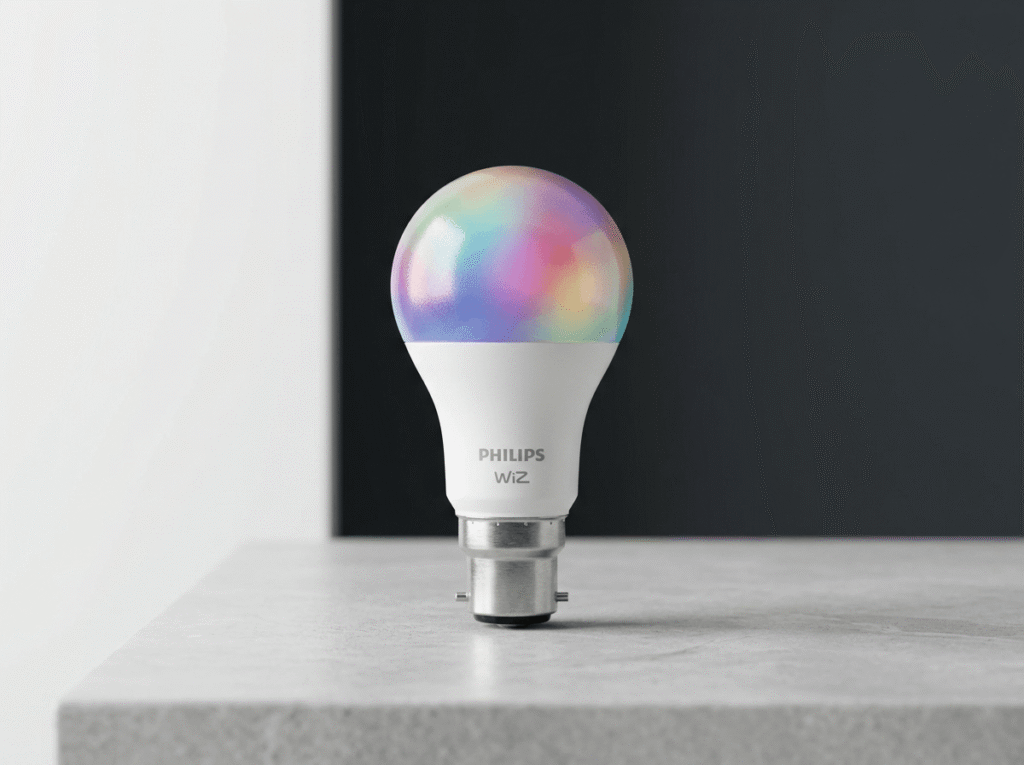
According to the listing, this bulb runs on Wi-Fi and Bluetooth, supports up to 16 million colours, and works with Amazon Alexa and Google Assistant. It uses a standard B22 fitting, which is common in Indian homes, so you’re not stuck buying a new lamp or fixture to use it.
The pitch is simple: same socket you already have, but now the bulb can change colour, respond to voice commands, and be controlled from an app.
| Feature | Details |
|---|---|
| Brand | Philips WiZ |
| Power | 10W |
| Socket | B22 |
| Connectivity | Wi-Fi + Bluetooth |
| Colours | Up to 16 million |
| Voice Control | Amazon Alexa, Google Assistant |
| Price | ₹569 (72% off M.R.P. ₹2,049) |
| Rating | 4.1★ (1,494 ratings) |
If you’re comparing this to a basic setup, it also pairs naturally with other smart-home purchases — for example, if you’re setting up automated lighting, this guide on choosing a smart plug for existing lamps covers a cheaper way to add basic remote control to fixtures that don’t take smart bulbs at all.
Setting It Up
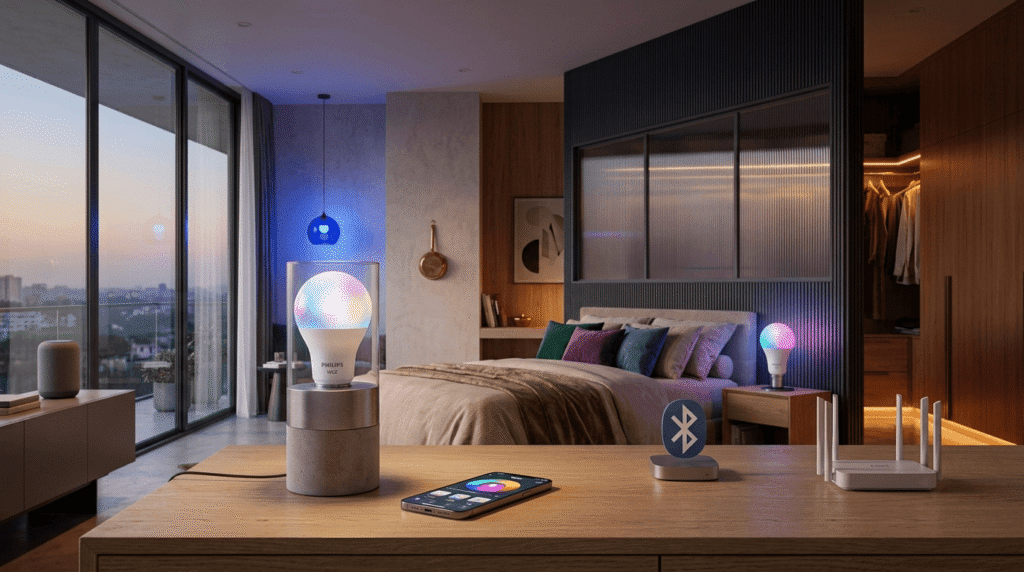
Bluetooth is used for the initial pairing, and Wi-Fi takes over once the bulb is connected to your home network. That’s a fairly standard approach for smart bulbs in this price range, and it means you don’t need a separate hub.
One thing worth knowing before you buy: your experience with any Wi-Fi bulb depends heavily on your router’s range and stability. If your Wi-Fi already drops out in certain rooms, a smart bulb in that room will inherit the same problem. That’s not specific to Philips — it’s true of most Wi-Fi-based smart lighting.
Voice Control: How It Actually Works
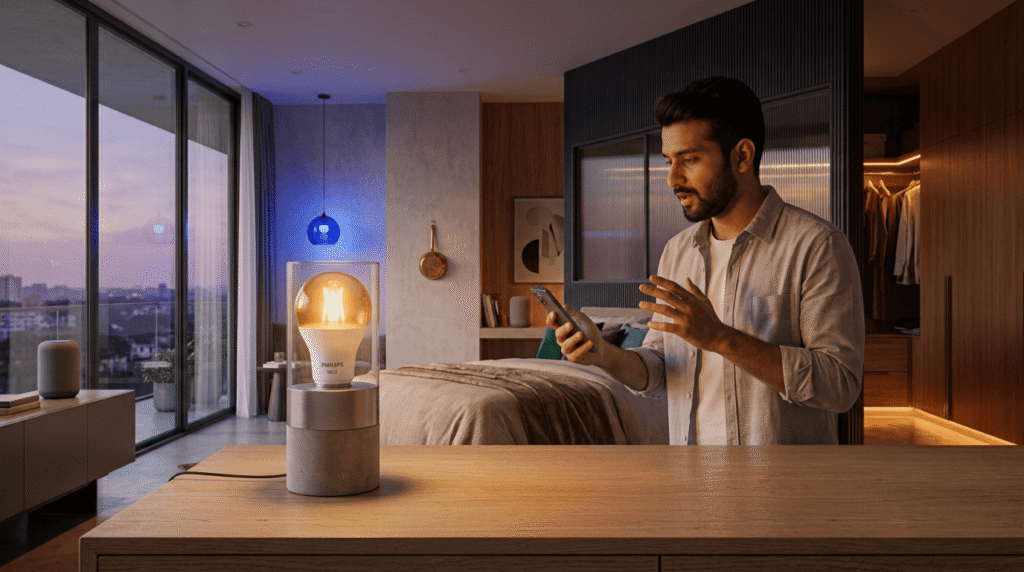
The bulb supports voice commands through Alexa and Google Assistant, once it’s linked through the appropriate app. In practice, this means things like turning the light on or off, or adjusting it, using a voice command instead of a switch.
This is genuinely useful in a couple of specific situations:
- You’re already in bed and don’t want to get up.
- Your hands are full (cooking, holding a kid, carrying groceries).
- You want the light off but you’re already across the room.
Outside of those situations, voice control is more of a nice-to-have than a necessity. It’s worth knowing that going in, so you’re not expecting it to change your daily routine dramatically.
Colour and Music Sync Features
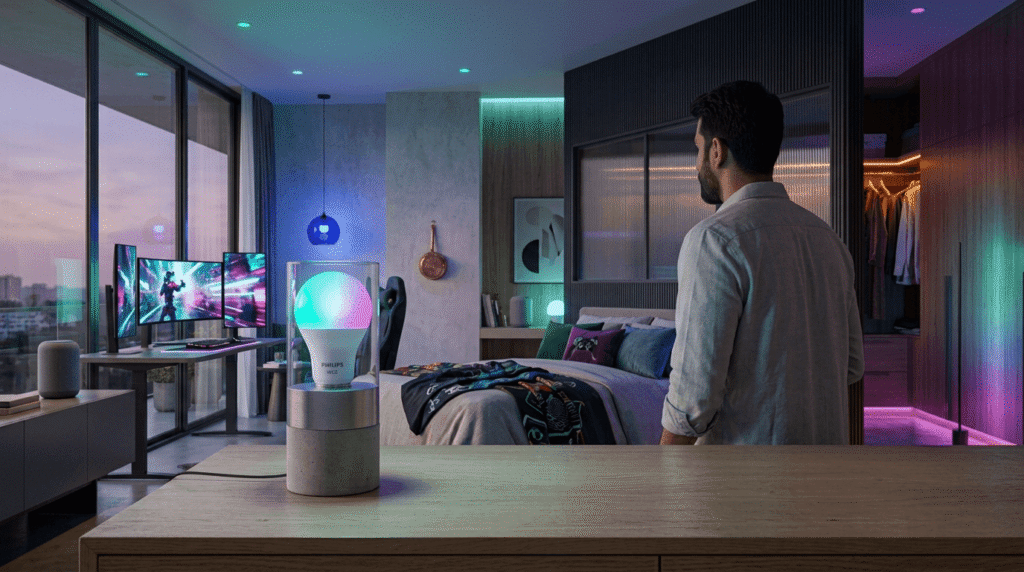
The 16-million-colour range gives you room to set different lighting for different situations — warmer tones for evenings, brighter or cooler tones during the day, and colour changes for things like movie nights or small gatherings.
The listing also mentions a music-sync feature, where lighting effects respond to music. This tends to appeal most to people setting up gaming corners, small home theatres, or content-creation spaces. If music sync specifically is your reason for buying, it’s worth confirming exact compatibility details on the current product page before ordering, since app features can vary by model version and aren’t always identical across the WiZ range.
Motion Sensing
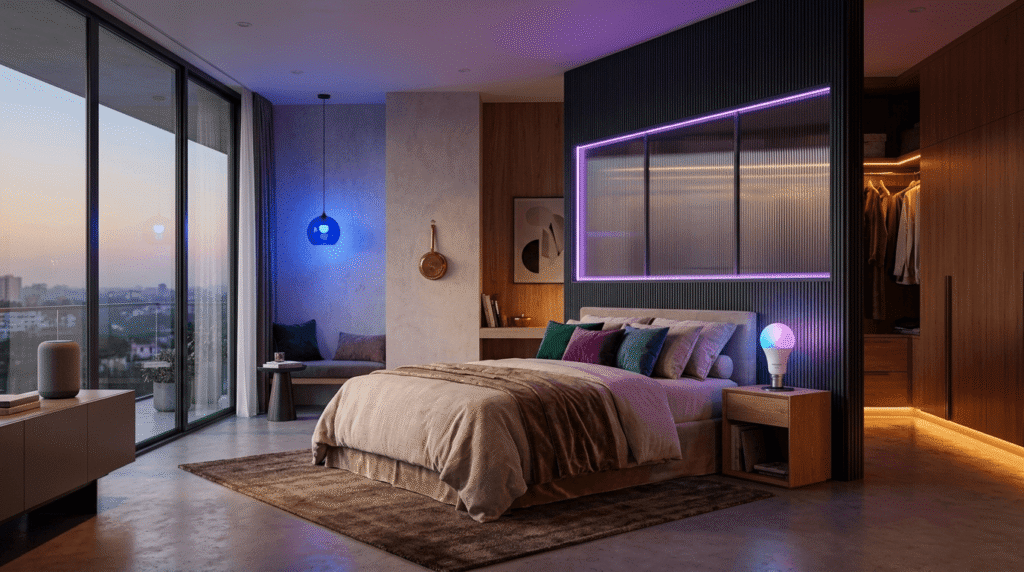
Motion-based automation is also listed as a feature. This is more useful in transitional spaces — hallways, entryways, utility rooms — than in a bedroom or living room where you’re usually sitting still. It’s most effective when paired with an automation routine in the app rather than left as a standalone feature.
Smart Bulb vs Regular LED Bulb
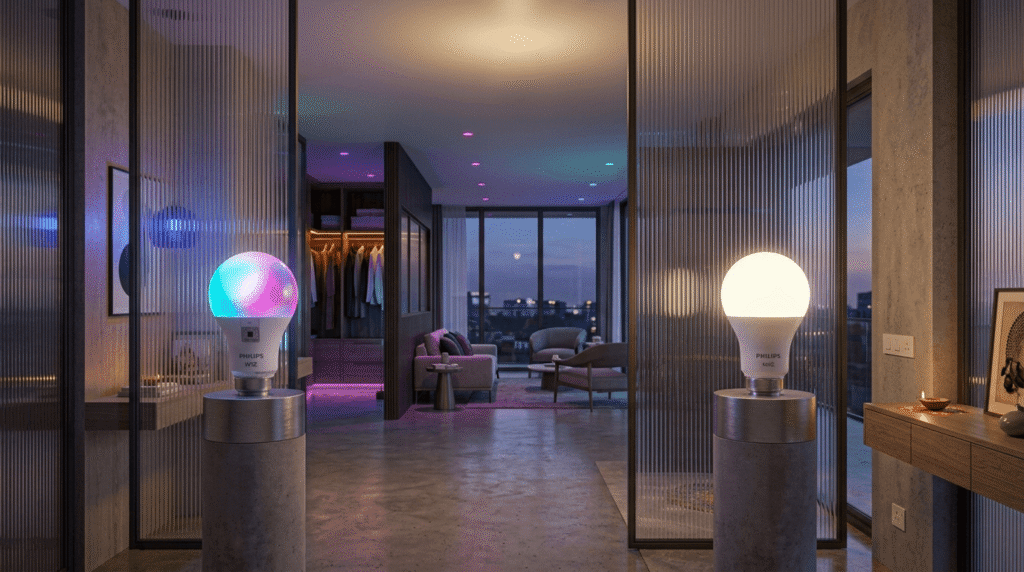
The core difference isn’t brightness. A regular LED bulb gives you light. A smart bulb gives you light plus remote control, colour options, and voice integration — at a higher price.
So the real question isn’t which one is “better.” It’s whether you’ll actually use the extra features regularly. If the answer is yes, the price difference is easy to justify. If you’d realistically just use it as a normal light most of the time, a standard LED bulb will do the same job for less money.
Who This Bulb Makes Sense For
- Someone building out a smart home gradually, one device at a time
- Households that already use Alexa or Google Assistant for other things
- Anyone who wants adjustable ambient lighting for movies, gaming, or get-togethers
- People with existing B22 fittings who want an easy upgrade path
Who Should Probably Skip It
- Anyone who just wants a light that turns on and off
- Households with an unreliable Wi-Fi connection in the room where the bulb would go
- Buyers who don’t want to spend time in an app during setup
- Anyone shopping purely on price, since a basic LED bulb will always be cheaper
Final Verdict
The Philips WiZ 10W B22 is a reasonable entry point into smart lighting if you already have a B22 fixture and want to add colour control, voice commands, and app-based control without replacing your existing setup. It’s not going to be worth the price difference for someone who just wants a working light bulb.
Because pricing and ratings change often on Amazon, it’s worth checking the current listing directly before deciding — the numbers in this review are intentionally left blank rather than guessed. If you’re also looking at ways to make an older room feel more automated without replacing every fixture, this comparison of smart plugs vs smart bulbs is worth a read before you commit to one or the other.
FAQ
Does the Philips WiZ 10W B22 work without Wi-Fi?
Bluetooth allows local control for setup and nearby use, but full app-based remote control and voice assistant integration require a Wi-Fi connection.
Can I use this bulb with a regular wall switch?
Yes, but if the wall switch cuts power to the bulb, it can reset the bulb’s Wi-Fi connection each time. Many smart bulb owners leave the physical switch on and control the bulb only through the app or voice assistant.
Does it work with Apple HomeKit?
The official listing mentions Amazon Alexa and Google Assistant. HomeKit compatibility isn’t specified, so check the current product page or packaging before assuming support.
How many of these bulbs can I connect in one home?
This depends on the app and router setup rather than the bulb itself, and isn’t detailed in the listing. Check Philips’ official WiZ app documentation for supported device limits.
Is a smart bulb worth it just for one room?
It can be, especially for a bedroom or living space where you’d actually use the voice control or colour features regularly. For a room where you rarely think about the lighting, a regular LED bulb is usually the more practical choice